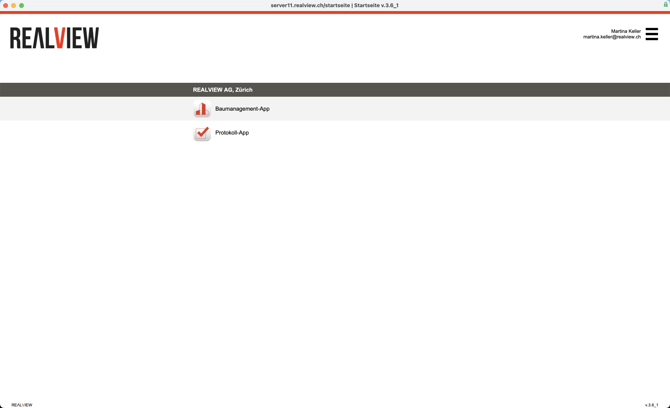
You are on the overview page for your tools. The number of tools may vary depending on which tools you have. You can access the options via the three bars at the top right next to your name and email address.
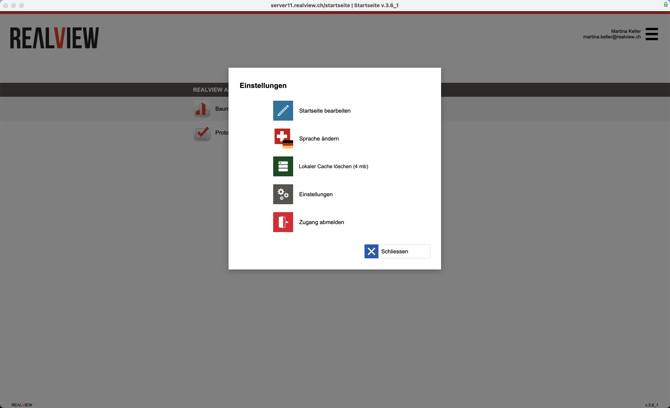
Here you have various options for customizing your home page. With Edit home page, you can select which tools from which companies you have access to should be displayed. You can find more information below under Edit home page.
You can select the language of the start page via Change language. This change only applies to the start page and must also be changed in the individual tools if desired.
Delete local cache deletes the cache. This deletes the master data in an offline file, which must then be reloaded.
The FileMaker Pro settings can be opened via Settings. Settings for the individual tools can be found in the tools themselves.
You can log out on the start page by clicking Log out.
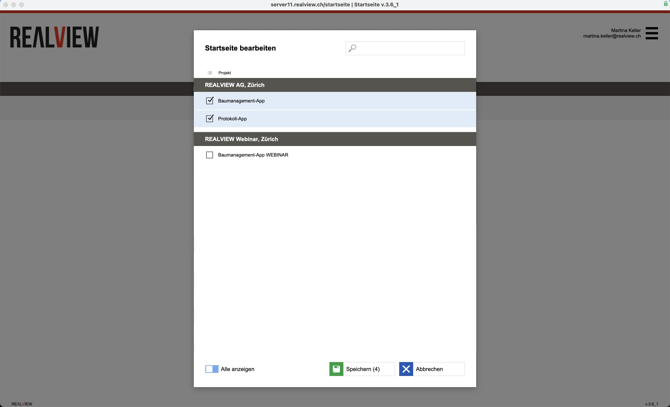
Edit home page
For example, if you have access to different companies, you can select here which tools from which companies you want to see. In order to access tools from other companies, you must also be registered as a user there.