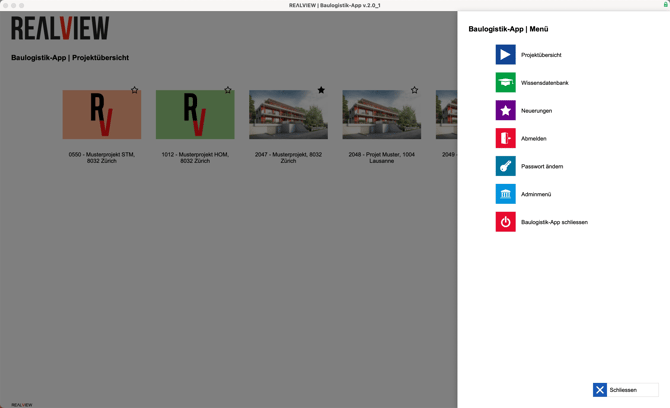
The side menu can be opened using the three bars at the top right or by clicking on the company logo at the top left. This option is only available to administrators!

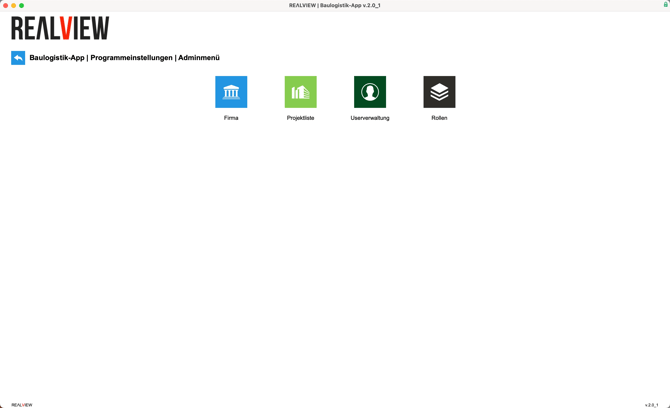
In the admin menu, you will now find the following areas where company-related settings can be adjusted:
- Company
- Project list
- User management
- Roll