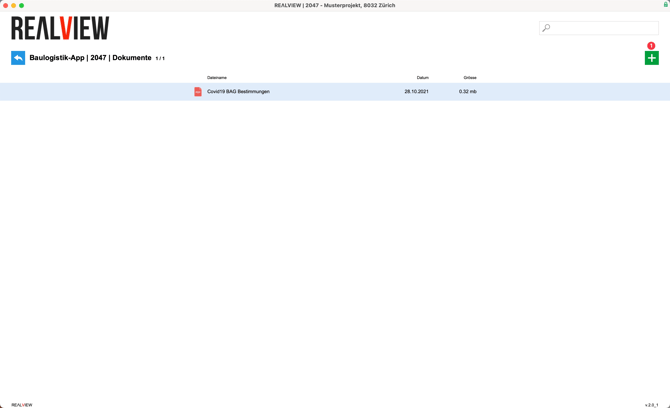
The documents section provides an overview of all uploaded documents. The documents are always accessible to all project participants and companies.
A new document can be uploaded using the green plus sign (1).

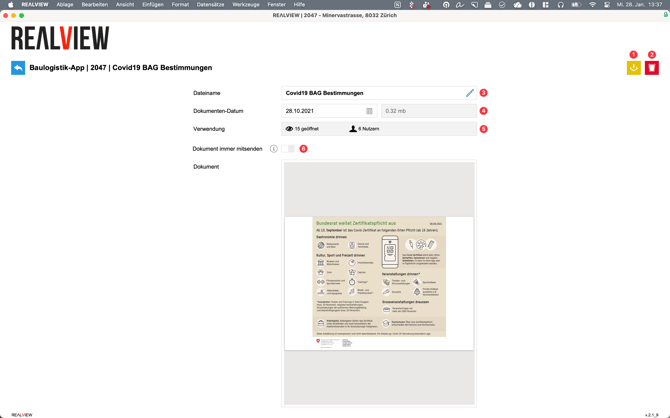
When a document is selected, it can be downloaded (1) or deleted (2).
The name (3) can be changed. The creation date and document size (4) are also displayed.
In addition, it shows how often the document has been opened in REΛLVIEW and how many different users have opened the document in REΛLVIEW (5).
If Always send document (6) is activated, this document is sent with every booking.