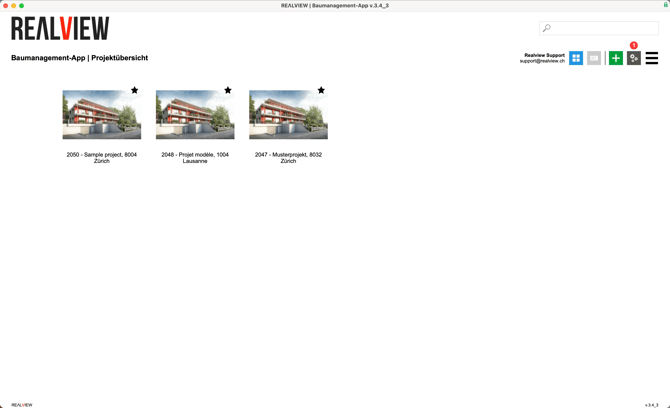
To adjust the sending method, go to the Project Overview and click on the grey gear icon (1) to access the program settings.
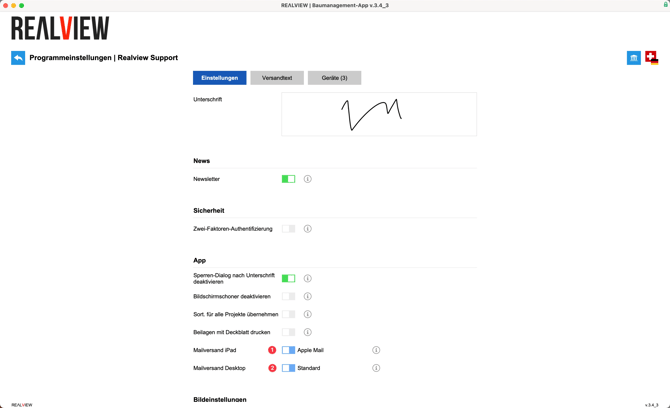
You can now choose between the following delivery options under Mail Delivery iPad and Mail Delivery Desktop:
Mail Delivery iPad (1)
- Apple Mail | When sending via Apple Mail, the PDF is attached directly to the email.
- Outlook | When sending via the iOS Outlook app, no PDF is attached to the email. Files are always sent as web links.
Mail Delivery Desktop (2)
- Standard | Emails are generated on the local device and attachments are sent via links.
- Attach files to email | Emails are generated on the local device; however, attachments are included as downloadable files rather than links.