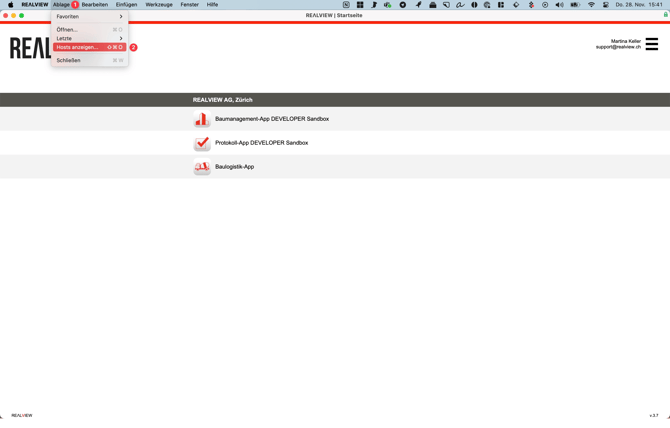
Via File / Open (1) in the top left corner, you can display the hosts (2).
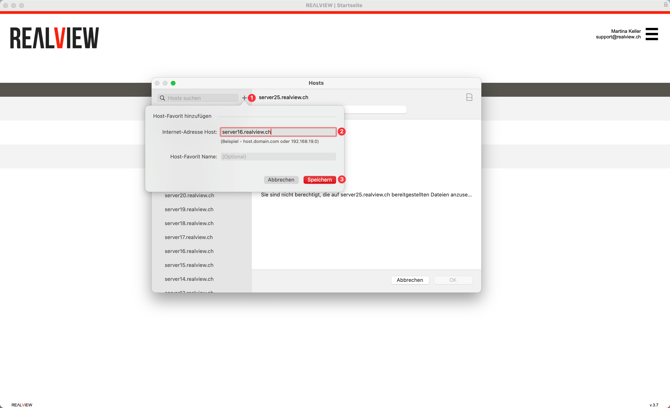
Then, the desired server (2) can be added via the plus button (1). Afterwards, the host favorite must be saved (3).
To find out which server needs to be enabled, please contact support at 044 512 18 00 or support@realview.ch.
Um zu erfahren welcher Server freigeschalten werden muss, wende Dich bitte an den Support unter oder support@realview.ch.
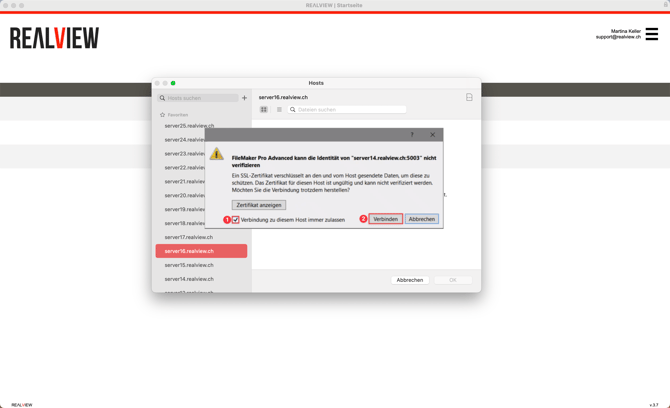
The certificate message will now open. The option "Always allow connection to this host" must be enabled (1), and then the connection should be established (2).