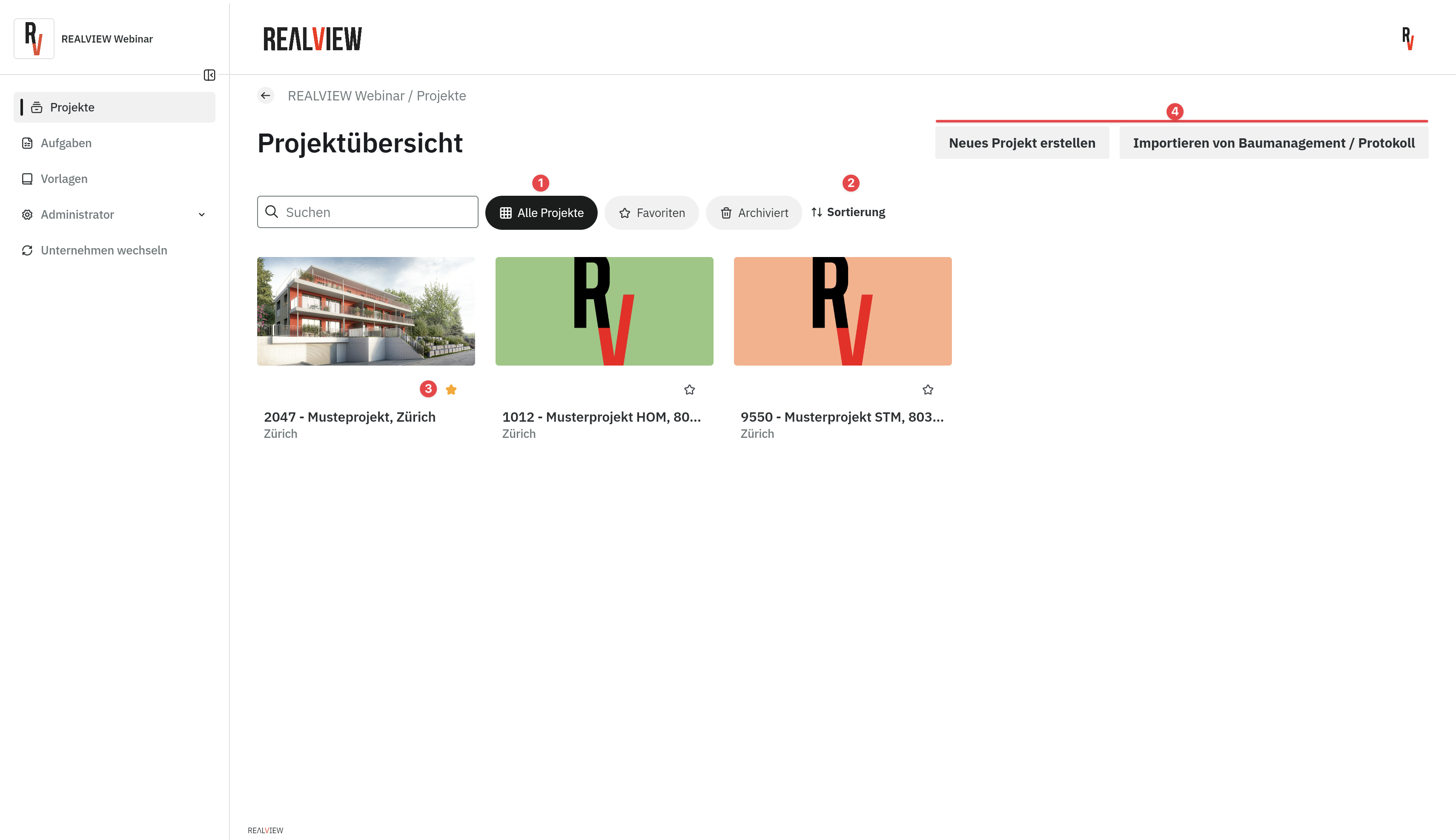
In the project overview, you have access to all your projects.
In the view (1), you can switch between all projects, only your favorite projects, and archived projects. You can also set the sort order (2) by number, name, initials, or display name.
You can mark a project as a favorite (3) by clicking the star. Clicking the star again removes the project from your favorites.
Depending on your permissions, you can create a new project (4) or import from Baumanagement / Protokoll (4). If you do not have permission, please contact your company administrator.